Support Portal
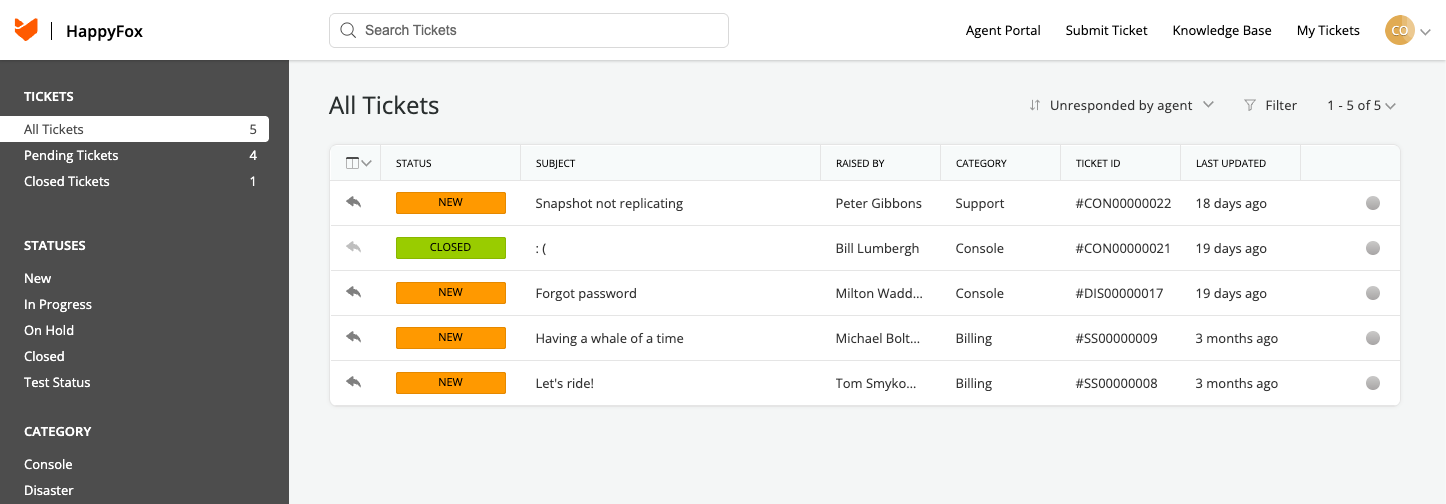
The Support Portal is a dedicated place to raise new support tickets with Slide and follow up on existing ones. You access it from the Slide Console via single sign-on, so there's no separate login or password to manage.
Who can access the Support Portal
Users on your account with account access can use the Support Portal. Client users cannot submit or see any tickets.
Accessing the Support Portal
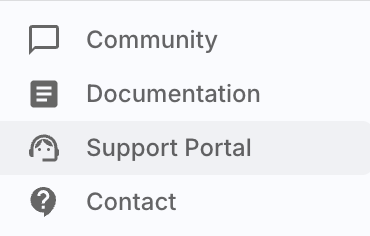
Open the Slide Console and click Support Portal in the left navigation menu. The portal opens in a new browser tab and signs you in automatically.
What you can do in the Support Portal
From the Support Portal you can:
- Raise a new support ticket
- View the tickets you've raised, including their status and replies from the Slide Support team
- See open tickets raised by other users in your Slide account
- Reply with follow-up comments or attachments on an existing ticket
Other ways to reach Slide Support
For urgent disaster support, phone and email contact, or community help, see Contact us.